
For the last few days, I’ve been looking into how my family can track one another’s locations, similar to the functionality of Google Maps and family groups. Obviously though, because it’s me, I can’t use Google and so we end up in this situation. Based on my research, this sector of services is flooded with options; some good, some bad. Each have their own unique benefits and faults, and I was stopped at each point by something. I have found one app though that presents itself as the almost perfect solution, with just a few caveats that I’ll make sure to mention. It’s born of the same principle that I’ve adopted: a desire to get out from under the boot of big tech companies dominating infrastructure.
Let’s size up the competition
There are a few major competitors here, and I’ll go through each one with my own thoughts and opinions.
Google Maps — the incumbent
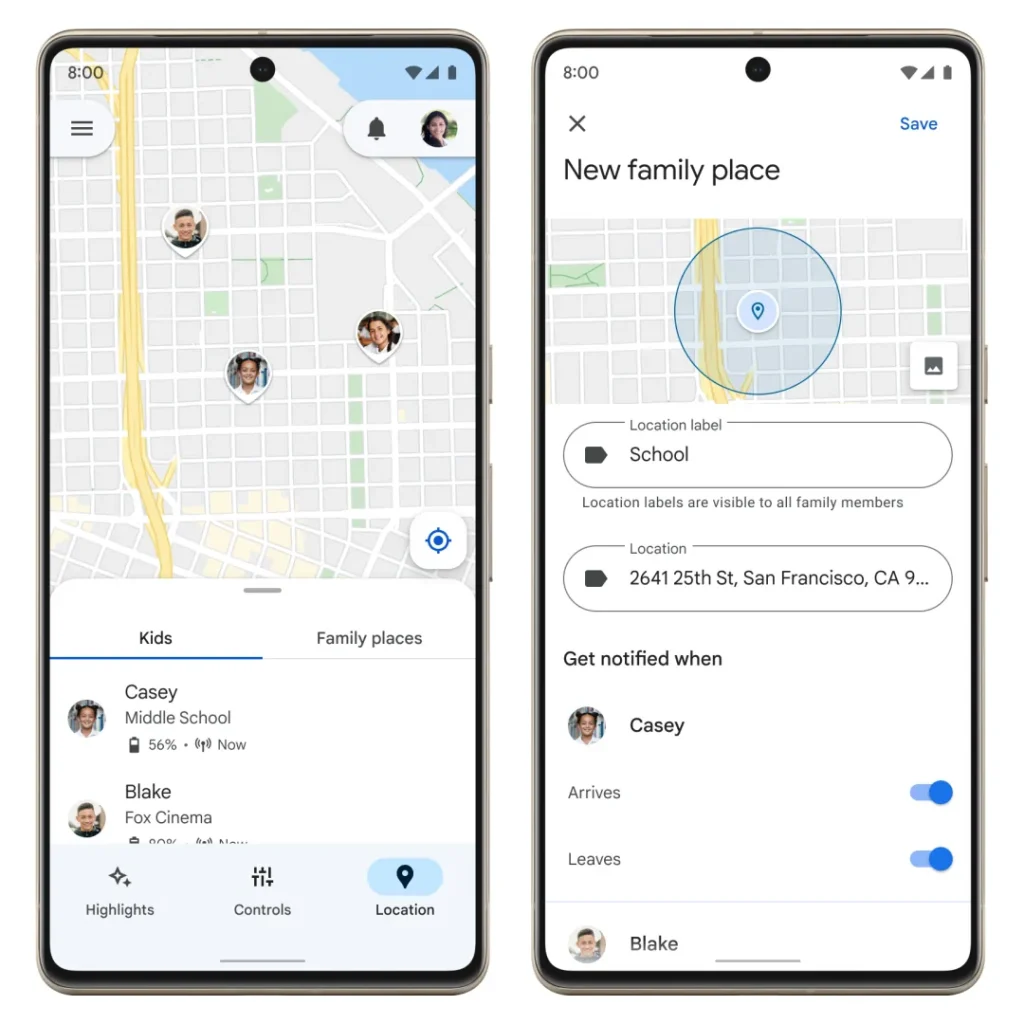
GMaps is, obviously, baked into the Google ecosystem, and thus has extensive privileges on Android phones, Chromebooks, and Google-heavy groups. And to be fair, it is a good product. You can add other people to your group (provided they have a Google account), and see the location of their devices. It works for an unlimited number of devices, has integration with Family Link if you want to supervise your child, and you don’t need a separate app for it — it’s all there inside the Google Maps app.
But the issue with Maps is the branding in front of it: Google. Google’s data retention and usage policies leave a lot to be desired in terms of using your data to train Google Gemini and ad policies using personal information, and many people dislike Google for its seeming control over most of the digital world, from search engine dominance to AI and smartphone operating systems. I’d count myself in the bracket of people who don’t believe my tap-and-pay vendor should also serve my web content; my phone OS; my family’s location. Google is not a software company; it’s an advertising company with an app suite placed conveniently over the top.
Self-hosted options
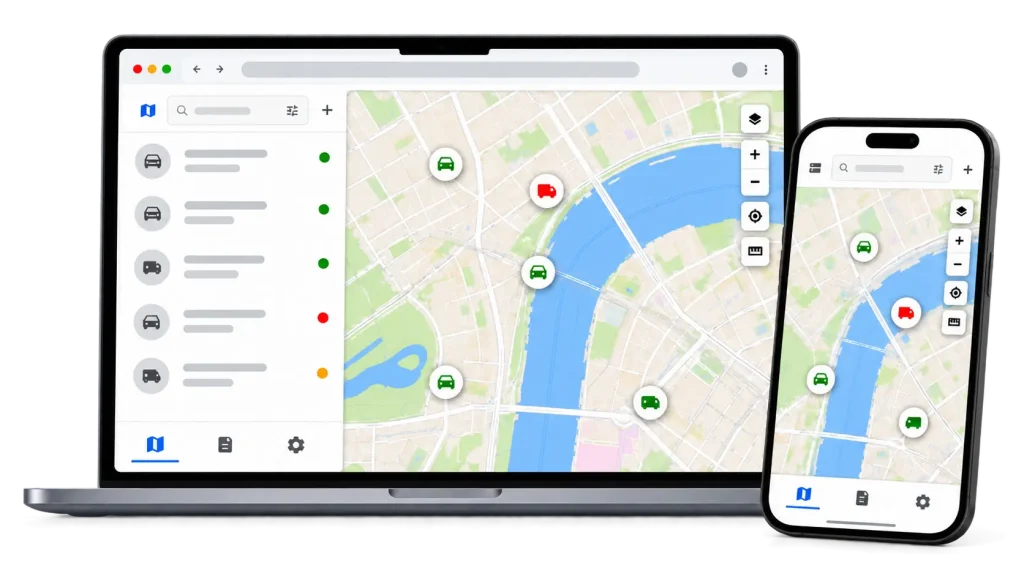
The two main self-hosted options I came across are Traccar and Dawarich. Traccar is a familiar name to people, and is used worldwide not just for families but by companies for vehicle tracking. It’s very simple, and very good with your data because everything is on your own hardware. Dawarich is similar, but presents itself as more of a direct alternative to Google Timeline, where you can see people’s location history, not just their current status. That’s a lot more overhead than I’d need for this.
The main issue with self-hosting something like this, and I’ve made this point in another post, is that the most secure way to host a service yourself is by physically removing it from the public internet, and placing it behind a fence. In my case, that fence is Tailscale, and it does the job well. So well, in fact, that if a device isn’t connected to my Tailscale account, my services might as well not exist. Secure: yes. Inconvenient if you’re wanting every member of your family to be able to both send their location and receive other’s on their device: absolutely. It would be a nightmare coordinating everyone to keep Tailscale running, not to mention the fact that on Android Tailscale uses the single VpnService slot, which would be contested for by regular VPNs or network-filters. I tried to push through though — Tailscale has a great feature called Funnel which opens up a single machine to the wider internet. But that had so many safety features and layers of containment I needed to put up that I honestly just chickened out and started looking for hosted solutions.
Paralino, and the search for a hosted alternative
Paralino was the next big name on my list. A hosted server, free account, 24/7 account tracking and relay, European, End-to-End-Encrypted, open-source Play Store clients. It’s even designed primarily to work on de-Googled smartphones like GrapheneOS. It seems perfect.
But the free tier is limited to two accounts sharing, and whilst the next tier up solves all my issues at a mere £3/month, I didn’t want to have to pay for what Google could give me for free. That doesn’t fit with my philosophy that the open web can provide exactly the same capabilities, if you look deep enough. Plus, I know it sounds petty, but their app UI feels a little too responsive and bouncy for my liking, and they have arguably too many features, like speed, battery, network tracking, history, pinging, and more. It’s overwhelming. I like some austerity in my apps.
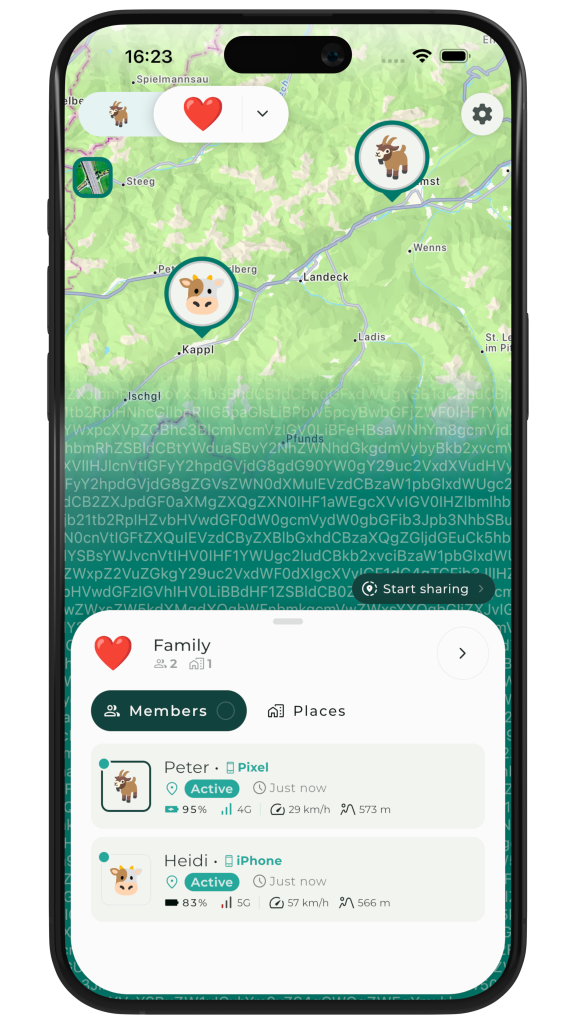
Honestly though, if you’re in the same situation as me, but don’t mind spending a little each month, Paralino is probably my first recommendation. It has a genuinely good design and integration, terrific security, and will fit straight into your life with no issues.
A variety of other options followed, each ones with its ups and downs. Some were cryptographically amazing but lacking in design. Others were both secure and looked nice, but lacked a certain feature combination, usually around geo-fencing and notifications when people arrive or leave. Little things, mostly, but they add up over time, and it’s a compromise that I’m not ready to make.
Starling is the solution to my problems
Starling is, first-and-foremost, a free, open-source, privacy-first location tracking hosted app for Android and iOS. It incorporates E2EE on-device, runs through a public cloud server with a rolling 24-hour data deletion policy, and lets you and unlimited family members create a circle, add important places, receive notifications, and check-in on each other.
The service doesn’t use any online accounts: a cryptographic key is generated when the app is installed on a device, and that acts as your identifier. People find each other via links using their own keys, and if you lose your device you simply revoke access to your circle and add the new one. There is almost no permanent data related to your account, so recovery isn’t a big issue.
From my understanding, this is a single-developer project, so I reached out to the dev, Munzzyy, via email to ask about some of their data practices in more detail. Here’s what I learned:
- They are firm on no data traded. This is one of their key promises: nothing leaves the server to data-brokers, because there’s hardly anything there at all. The server acts as a relay between devices, but only stores coordinate data that is encrypted on-device and padded so the packets can’t be used to determine data type. All logs and database entries are deleted within 24 hours of creation automatically, and there are no backups.
- They comply with data requests. Munzzyy said that, because this isn’t a corporate enterprise, less effort has gone into the privacy policy than the code, which is fair enough. Data is stored via a Cloudflare worker with a D1 database in the US, but once again their encryption and retention policies mean that often enough there’s nothing for them to hand over anyway. That includes GDPR rights and any other official access acts, although they have stated that they don’t take an official stance on such access rights.
- This is a single-person project with limited funds. They have plans for Starling, but currently are limited to free plans for hosting and security. That doesn’t matter as much to me if the security is good enough regardless, but the new ecosystem could put some people off relying on it fully. The same reason explains why there isn’t a native iOS client, along with a few technical requirements.
My honest thoughts
I like it. A lot. It has a great UI, super-secure relays between clients, and it’s free and open-source. The developer encourages you to contribute if you’d want to help.
I have to be honest, there are some flaws, as with any software. The biggest one for me is the lack of a Play Store build. Munzzyy told me in an email that this was because they didn’t want to pay for a Google Developer account just yet, but it is on the roadmap. It does mean that for now, most of my family will need to install it via Obtainium to keep it updated, which is a bit inconvenient for them, but it gets the job done. In addition, as I’m writing this the notifications for when people enter or leave set locations do send, but they don’t announce their purpose. Instead they just say “Check Starling to see what happened.” I don’t know if this is intended functionality or a bug, but that’s genuinely the only in-app fault I’ve found so far. Check Gitlab for any kind of resolution on that if you’re interested.
One security message before you install: if a device connected to your circle is lost, anyone in the circle can revoke their access remotely. That matters when there are no accounts, but simply leaving from the device’s side doesn’t necessarily mean it loses all access.
If you’re interested in a privacy-first, open alternative to family sharing away from Google, and you don’t mind installing via Obtainium or F-Droid, I would really encourage you to check out Starling. You can find the project’s GitLab repo, or otherwise the website is where they publish the technical details and FAQs.
I haven’t found a project like this in a while: one where the developer has taken so much time to make a product people will actually use, not just the one that ticks a box. Google no longer owns my location, though given I’m suggesting that the best alternative is a hobbyist on free Cloudflare hosting, maybe that says something about the market here…
Leave a Reply